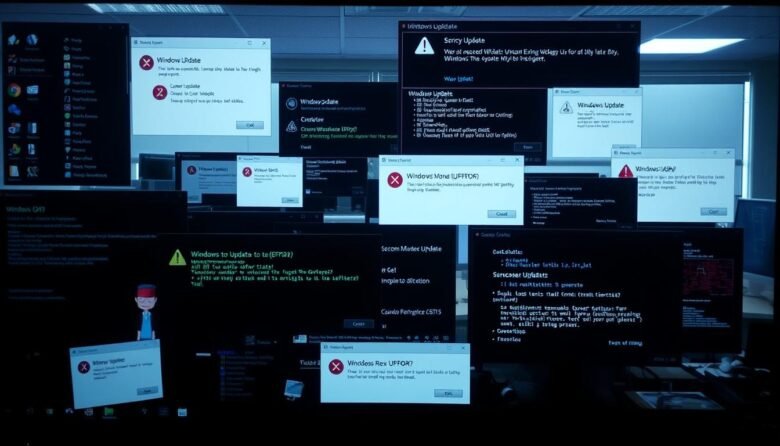
This short guide sets clear expectations. You will follow safe steps that fix most update failures without risking data or apps. Start with quick wins, like built-in tools and freeing disk space. Then try core component resets and integrity scans. If needed, you can install a patch manually or roll back changes. Be ready with …

If your Windows machine feels sluggish following a recent change, start with a few safe checks before trying deeper fixes. These quick steps often restore normal performance without risking data or settings. First, restart the computer and open Settings > Update & Security > Windows Update to confirm the process finished. Run a full malware …