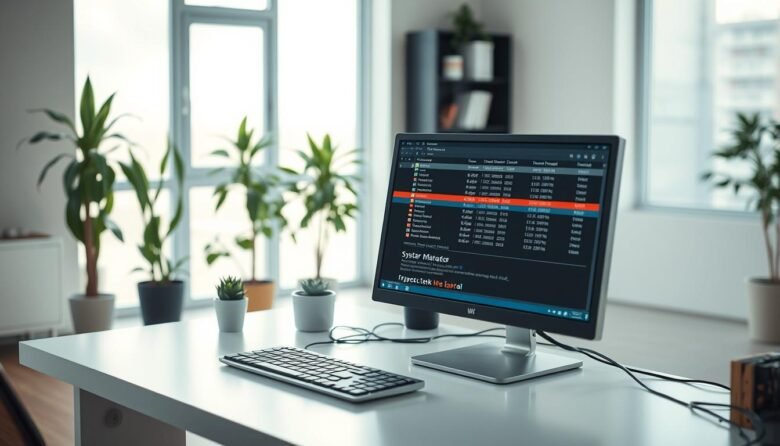
The Windows task manager gives fast, live insight into what’s eating your CPU, memory, disk, network, and GPU. Open it in seconds with Ctrl+Shift+Esc, Ctrl+Alt+Delete, or the Win+X menu. The interface flips from a simple view for ending a frozen app to More details for deep per-process stats. You’ll see color-coded columns, update speed controls, …