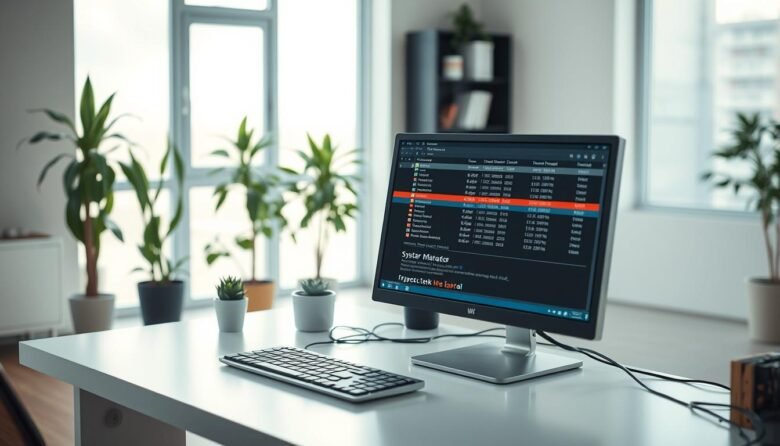
The Windows task manager gives fast, live insight into what’s eating your CPU, memory, disk, network, and GPU. Open it in seconds with Ctrl+Shift+Esc, Ctrl+Alt+Delete, or the Win+X menu. The interface flips from a simple view for ending a frozen app to More details for deep per-process stats. You’ll see color-coded columns, update speed controls, …
Want a faster, more reliable PC without risking core services? This guide walks you through safe steps to free memory and CPU on your Windows computer. You’ll get quick wins with Task Manager and clear, reversible actions using System Configuration (msconfig). Start small: stop a heavy app or tray utility to feel an immediate boost. …