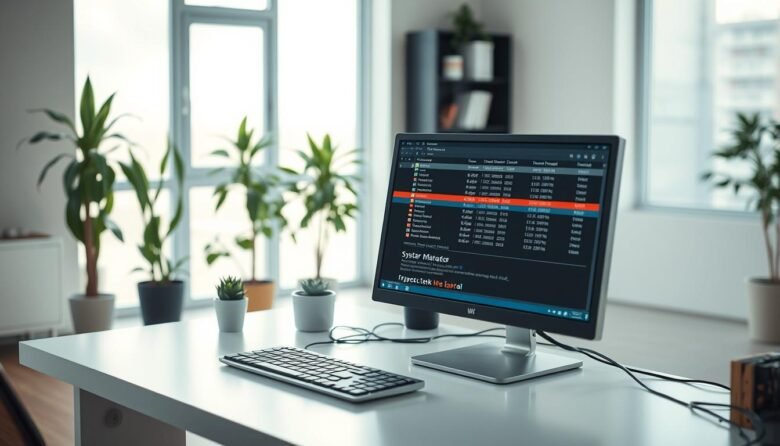
The Windows task manager gives fast, live insight into what’s eating your CPU, memory, disk, network, and GPU. Open it in seconds with Ctrl+Shift+Esc, Ctrl+Alt+Delete, or the Win+X menu. The interface flips from a simple view for ending a frozen app to More details for deep per-process stats. You’ll see color-coded columns, update speed controls, …

The central database that holds configuration for your OS and installed software acts like the control center for a computer. Over time, obsolete or corrupted entries can pile up and show themselves as slow startups, error dialogs, or system instability. Some problems come from incomplete uninstalls, crashes, or improper shutdowns. These events can leave behind …