
Modern home networks split Wi‑Fi into multiple paths, and the choice you make can affect speed and reliability. This guide helps you understand what those paths do, why crowded airwaves slow things down, and how simple tweaks in your settings can improve everyday performance. You’ll learn the basics: common bands, how widths (like 20 MHz …

Even with gigabit fiber, real-world speeds depend on how you set things up inside your place. Small moves often yield big gains: place your router in a central, open spot, wire priority devices with Ethernet, and pick the best bands for each use. Switch crowded channels on 2.4 GHz to 1, 6, or 11, and …
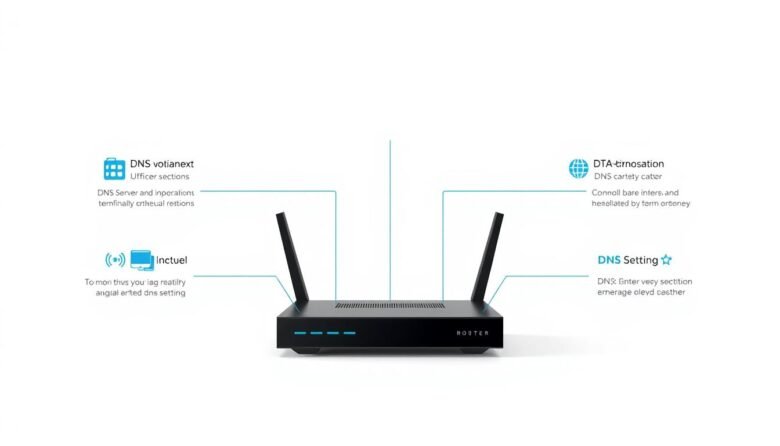
Fast, reliable name lookup makes websites, games, and streaming feel smoother. This short intro explains how simple changes to your resolver addresses and settings can boost browsing speed and stability without risky tweaks. Use two different public addresses so your system can failover cleanly. Popular public servers include Google Public DNS: IPv4 8.8.8.8 and 8.8.4.4, …

The usual culprits behind slow browsing and dead zones are easy to fix with a few clear steps. Start by testing your wired internet over Ethernet so you know if the issue is your service or the wireless setup in your home. Next, move the router into open air and higher up, update firmware from …