
Quality of Service (QoS) is a routing feature that helps you manage limited bandwidth so the most important traffic reaches first. It does not make the internet faster, but it can cut delays for calls, gaming, and live meetings. This guide shows practical steps and clear settings for home and small-business routers. You’ll learn the …
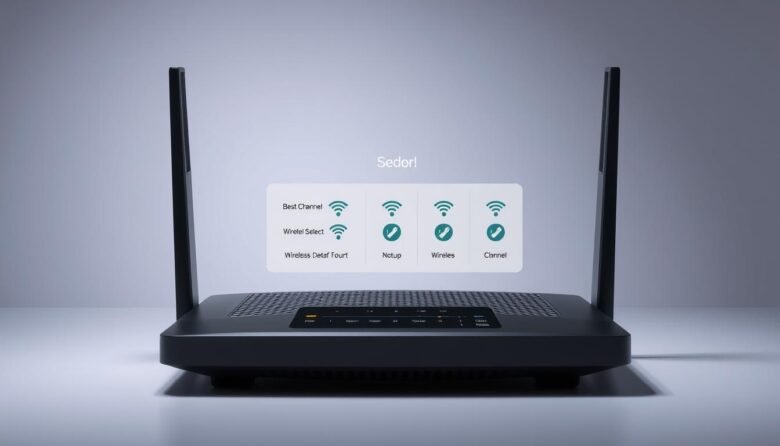
Modern home networks split Wi‑Fi into multiple paths, and the choice you make can affect speed and reliability. This guide helps you understand what those paths do, why crowded airwaves slow things down, and how simple tweaks in your settings can improve everyday performance. You’ll learn the basics: common bands, how widths (like 20 MHz …
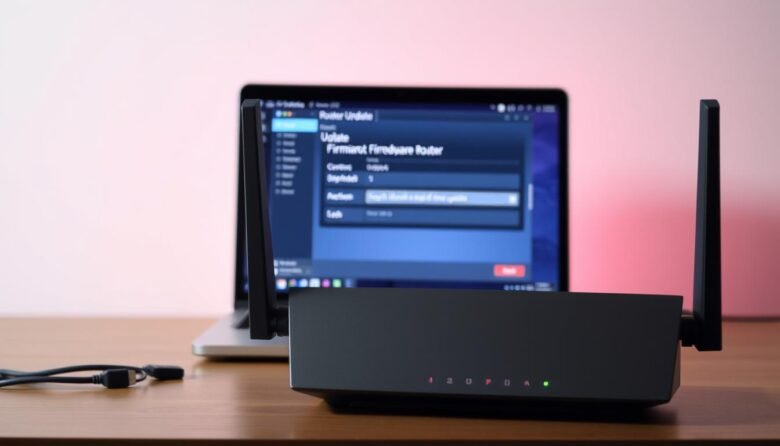
Keeping your home network secure and steady starts with timely maintenance. A quick router firmware update can close security holes, fix bugs, and keep every connected device running smoothly. Start by opening a web browser and typing your router’s IP address in the address bar. Enter your username and password to access the admin dashboard, …

Even with gigabit fiber, real-world speeds depend on how you set things up inside your place. Small moves often yield big gains: place your router in a central, open spot, wire priority devices with Ethernet, and pick the best bands for each use. Switch crowded channels on 2.4 GHz to 1, 6, or 11, and …

When you need the fastest response from your internet, a wired connection usually wins. A cable delivers steady performance with minimal interference, so ping times stay low and predictable. Typical wired delays sit near 0.2–0.3 ms, while modern wireless gear often ranges from about 3–5 ms in real homes. Lab-grade wireless generations can approach 1 …

The choice between 2.4 GHz and 5 GHz matters for home wifi. Each band has a clear trade-off: 2.4 GHz reaches farther and penetrates walls better, while 5 GHz delivers faster data and faces less interference. Everyday devices like microwaves, baby monitors, and some smart plugs crowd the lower band, so that band can feel …

Slow speeds, buffering, and dropouts often trace back to simple problems inside your home. This short guide shows what robs your connection and how to fix it fast. Bands like 2.4 GHz and 5 GHz behave differently: 2.4 GHz reaches farther but is more prone to overlapping signals from neighbors. Household items — dense walls, …

This guide will walk you through safe, practical ways to adjust your home router so online games and voice chat work more reliably. You’ll learn why a router maps private addresses to a single public address and how that mapping affects matchmaking, voice, hosting, and latency. We’ll show a clear flow: check your nat type …
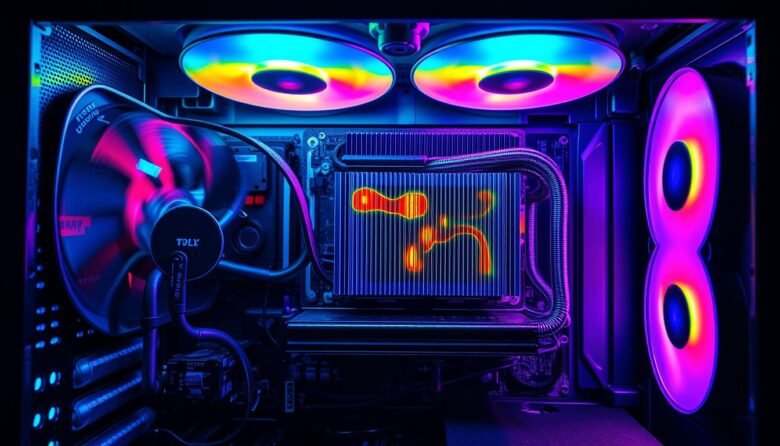
Small, targeted changes can cut your PC temperature by about 10°C and make a real difference in stability and performance. This guide shows easy, tool-light steps anyone can follow to get a quieter, more responsive rig without long hours or big cost. We focus on the biggest wins first: move more air where it counts, …

Performance matters whether you tune hardware, run machine learning experiments, or track market reach. Choosing the right approach helps you focus on the metrics that drive decisions, not just a single FPS or score. Different suites measure different things: power draw, thermals, clock speeds, GPU and CPU utilization, and compute results. Some software covers mobile …