
This guide will walk you through safe, practical ways to adjust your home router so online games and voice chat work more reliably. You’ll learn why a router maps private addresses to a single public address and how that mapping affects matchmaking, voice, hosting, and latency. We’ll show a clear flow: check your nat type …

Think of your router as a wall with doors. By opening a specific door, you let outside internet traffic reach one chosen device inside your home network. This simple idea explains how a port forward makes a computer or camera reachable from anywhere. People use this to host a game server, check security cameras on …

Modern living depends on a reliable link between your devices and the web. This guide shows a clear, practical path to a steadier setup without jargon. Start by diagnosing what your router and wired ports are doing today before you buy anything. Move the router to a central, elevated, open spot and away from microwaves, …

We’ll explain what packet loss is, why it hurts your network and devices right now, and how to prioritize fixes that actually improve network performance and throughput without guesswork. When packets of data fail to reach their destination between a router and a device, applications slow and users notice delays. Longer routes and complex networks …
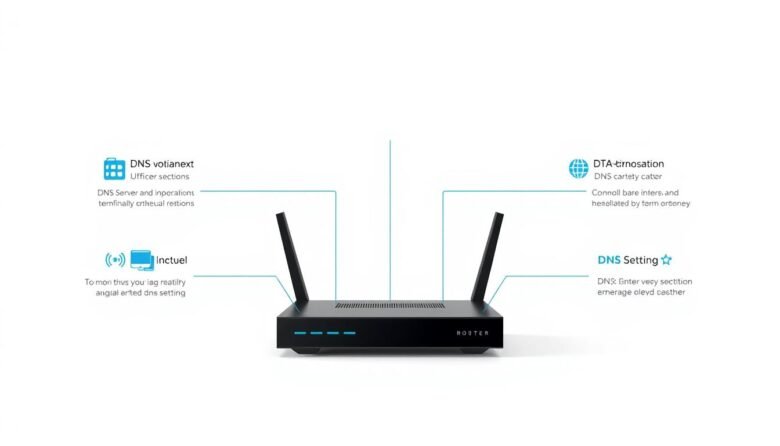
Fast, reliable name lookup makes websites, games, and streaming feel smoother. This short intro explains how simple changes to your resolver addresses and settings can boost browsing speed and stability without risky tweaks. Use two different public addresses so your system can failover cleanly. Popular public servers include Google Public DNS: IPv4 8.8.8.8 and 8.8.4.4, …

If you want a smoother gaming experience, this short guide will help. It explains how ping affects play and what you can do at home to improve response time. Ping measures round-trip latency in milliseconds and decides how quickly your inputs reach the server and come back. Even fast internet speed cannot hide high latency, …

The usual culprits behind slow browsing and dead zones are easy to fix with a few clear steps. Start by testing your wired internet over Ethernet so you know if the issue is your service or the wireless setup in your home. Next, move the router into open air and higher up, update firmware from …