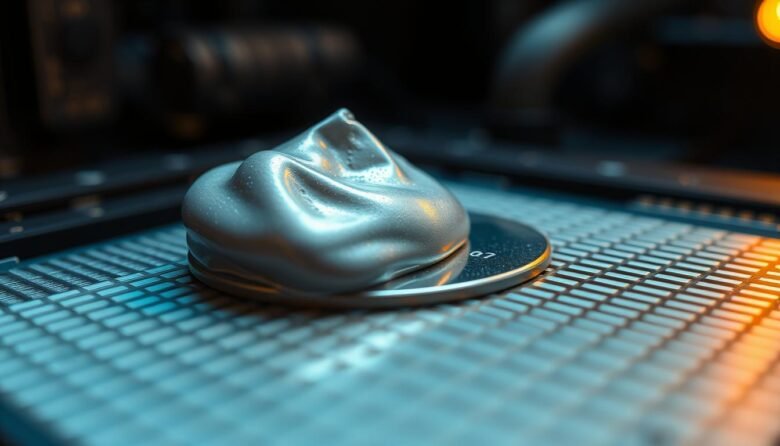
Keeping your CPU cool starts with the right contact between chip and heatsink. Heat transfer compounds fill tiny gaps so a processor can shed heat. Skipping that layer or reassembling without it risks overheating and lasting damage. Before you add new compound, clean both surfaces thoroughly. Old residue must come off the chip and the …

Small, smart tweaks in your graphics control app can unlock extra performance without spending a dime. This guide explains how to tell the low-level driver—the bridge between your hardware and OS—apart from the companion control software that exposes user toggles. You’ll learn which settings affect frame pacing, latency, image quality, and power behavior. Expect mixed …

Use a reliable tool to turn your parts list into a clear recommendation. Enter your CPU and GPU, and the tool adds typical draws for RAM, drives, fans, and cooling. Case choice also limits ATX versus SFX or SFX-L options, so form factor fits matter. Overclocking raises the needed capacity, so add headroom when you …
Understanding how much random access memory your device needs is the first step to a snappy computer in 2025. Memory sits on chips on the motherboard and acts as short‑term storage for active apps and background threads. More ram helps with multitasking and faster app switching, while full memory leads to lag, crashes, and low‑memory …
If your graphics card runs hot, you can see a drop in performance as the system throttles to protect hardware. High temps also mean louder fans, crashes, and shorter component life, so acting fast matters for gaming and heavy workloads. Ideal operating range under load sits around 65–85°C, while idle temps usually rest near 30–40°C. …

Your graphics card can choke even when everything else seems fine. Modern games and creative apps load high-resolution textures, frame buffers, and large video assets into memory. When that space fills, you get stutter, pop-in, and long hitching that ruin smooth play or work. This guide explains what vram is and why it fills during …
Modern desktops can feel slow even when specs look great. This short guide explains what a CPU bottleneck means in clear, friendly terms and shows how to spot it fast. You’ll learn the difference between the cpu and the gpu, and why tasks like gaming or creative work may lag despite powerful parts. The goal …